How to make money clipping GTA 6
GTA 6 launches Thursday, November 19. The biggest streamers will be live for hours, and many of them pay people to turn their streams into Shorts and Reels. Here's the whole process, with the real screens.
Find a streamer campaign on Content Rewards
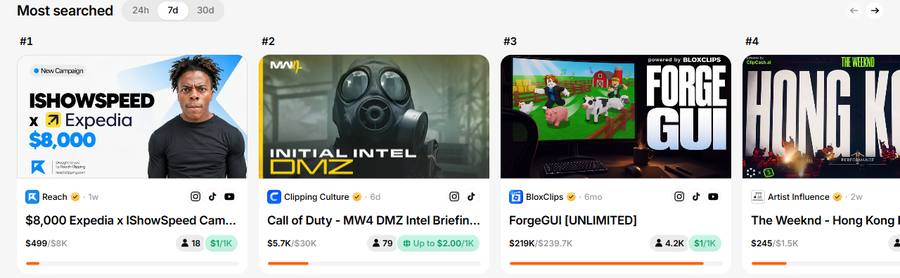
Content Rewards is a marketplace where streamers and brands pay clippers for views. Make a free account and open Discover. Gaming and streamer campaigns sit next to each other, and the most searched ones show first.
Read the brief, then join
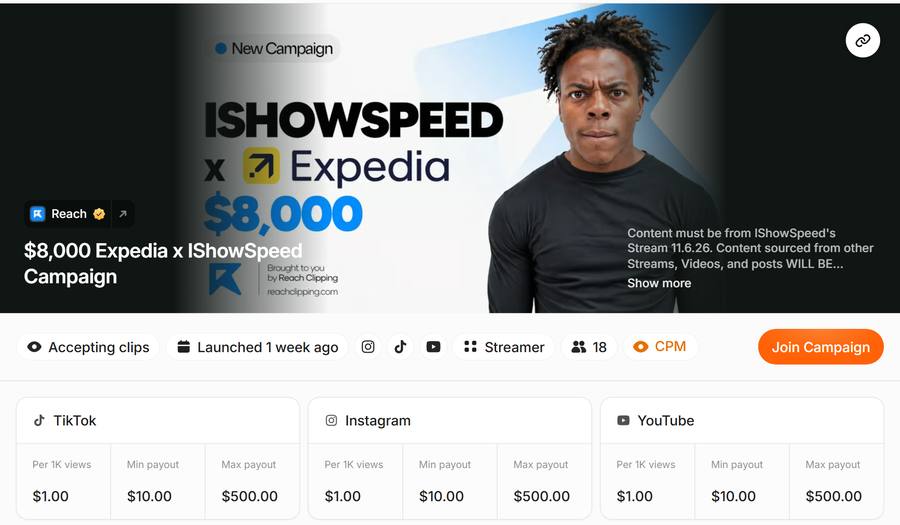
Every campaign tells you three things. Check them before you clip anything:
- Which footage counts. This one only accepts clips from IShowSpeed's stream on 6 November, from 2:56:29 to the end.
- Where you can post. TikTok, Instagram and YouTube here.
- What it pays. $1 per 1,000 views, at least $10 and at most $500 per clip.
Tip: new GTA 6 campaigns will open around launch day. Check Discover again on Nov 19.
Copy the stream link from YouTube
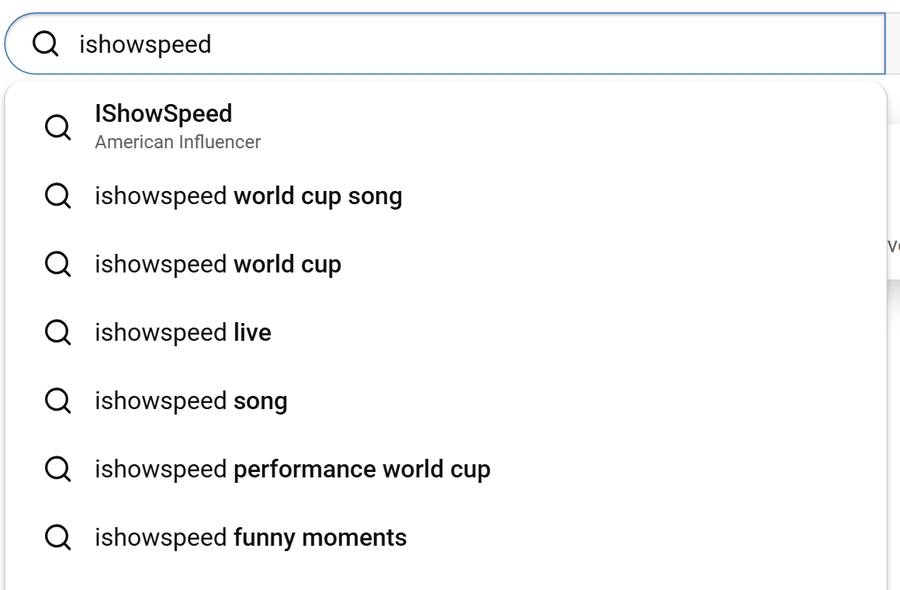
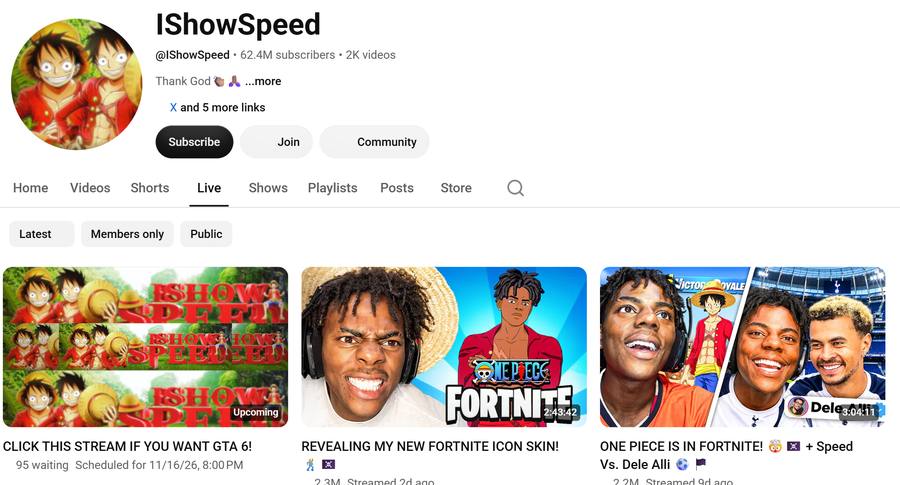
Search for the streamer, open the channel's Live tab and find the exact stream from the brief. Then tap Share and Copy.
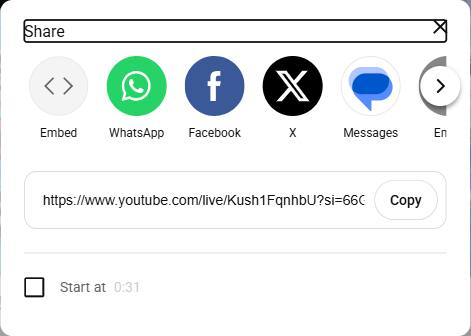
Turn the stream into clips with AI
Paste the link into Klap and press Generate. It finds the best moments and cuts them into vertical videos with captions. Our test on a 2 hour 43 minute stream gave 30 clips in about 30 minutes.
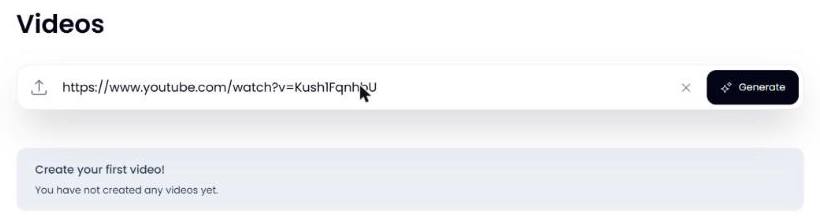
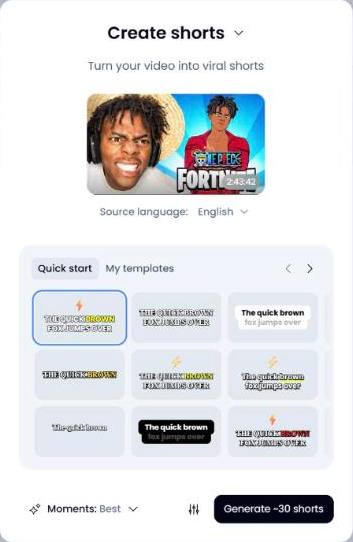
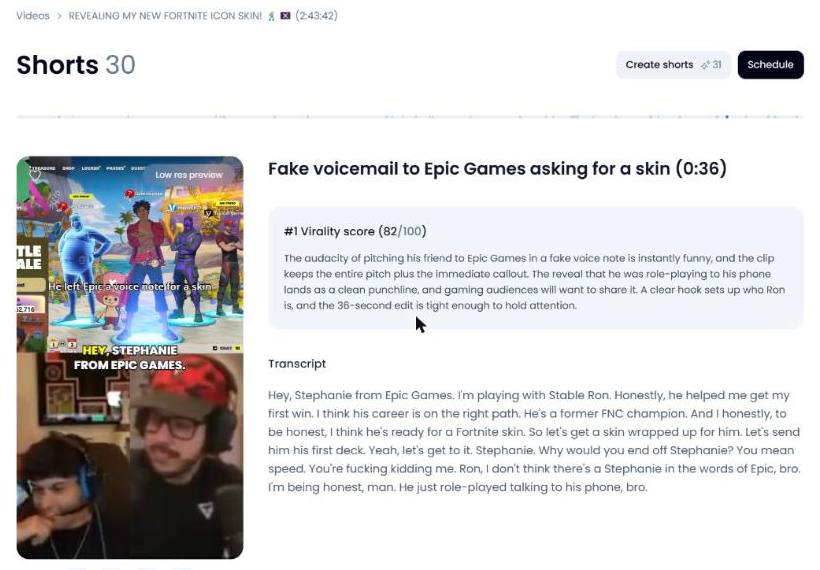
REPODROP
Other options: OpusClip does the same job, and SupoClip is a free open-source clipper you run yourself.
Post the clips
Download your best ones and post them on the platforms the campaign accepts.
- Add the ad disclosure the campaign asks for, such as #ad. Campaigns can reject clips without it.
- Post each clip once. Don't send the same clip to two campaigns.
- Use the account you connected to Content Rewards.
Submit your links and get paid
Go back to the campaign and submit each post's link. The brand reviews it against the brief. Approved clips earn for their views, and payouts go through Whop. You don't need a monetized YouTube, TikTok or Instagram account.
Back to Content RewardsWhat it really pays
The campaign from our reel, checked November 16:
| Campaign | Expedia x IShowSpeed |
|---|---|
| Rate | $1 per 1,000 views |
| Per clip | $10 min, $500 max |
| Budget left | $7,500 of $8,000 |
Rules that keep you from getting $0
- Only clip the footage the brief names. Clips from other streams get rejected.
- Never buy views. Content Rewards bans accounts for it.
- Don't post leaked footage or GTA 6 story spoilers. Rockstar takes those down.
- Budgets run out and rates change, so check the campaign before you start.
Some tool links are affiliate links, so Repo Drop may earn a small commission at no extra cost to you. Not affiliated with Rockstar Games, IShowSpeed, Expedia or Content Rewards. Screens captured November 16, 2026.
More tools on repo_drop